Transistor Soup by stuntddude
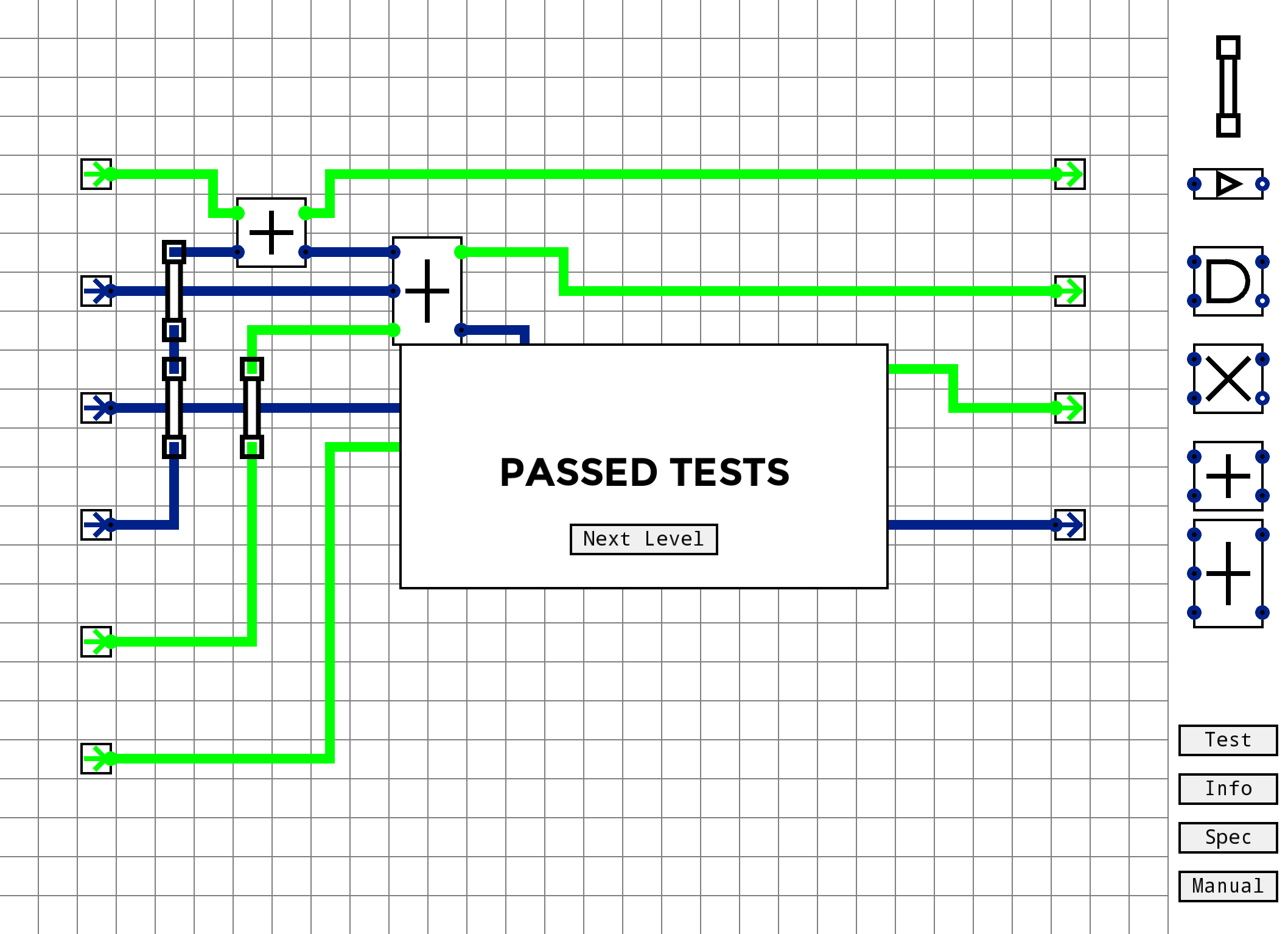
Welcome to Transistor Soup! As part of the company's standard training for new hires, you'll be getting acquainted with our proprietary circuit prototyping software through a series of challenging exercises...
Microchips are incredible. It's like there's a whole world packed onto that tiny little wafer.
Created solo using Processing, my one true abiding love.
Download (Windows + Linux + MacOS): https://stuntddude.itch.io/transistor-soup
P.S. testing the circuit saves your progress. If you're paranoid about save states like I am, this should put your mind at ease.
Ratings
| Overall | 110th | 3.897⭐ | 31🧑⚖️ |
| Fun | 118th | 3.724⭐ | 31🧑⚖️ |
| Innovation | 98th | 3.793⭐ | 31🧑⚖️ |
| Theme | 586th | 2.963⭐ | 29🧑⚖️ |
| Graphics | 450th | 3.321⭐ | 30🧑⚖️ |
| Mood | 405th | 3.2⭐ | 27🧑⚖️ |
| Given | 37🗳️ | 43🗨️ |
Sorry for the late reply. Ignoring the two NOT gates on the right, the circuit is an [SR NOR latch][1]. The output of the bottom NOT gate feeds into the input of the top NOT gate, and the output of the top NOT gate in turn feeds the input of the bottom NOT gate, creating a stable loop in the circuit. If you put two more NOT gates onto each of those wires to prevent the signal from moving backward along the wire from one gate to the other, the circuit works like you'd expect:

In a future version, I should probably add a less cumbersome way to create a one-way wire, and/or find a way to make it more obvious what direction current is flowing - maybe something like Minecraft's redstone, where the brightness of the wire decreases the further it gets from the source? I'll have to think on it.
I also realized when I was recreating your example that latches don't work correctly. I'll upload a new version in a few hours to fix that bug. Thanks for bringing it to my attention.
[1]: https://en.wikipedia.org/wiki/Flip-flop_(electronics)#SR_NOR_latch

I can drag to add/remove wires, and it may be user error, but I can't seem to find anything other than wires to use
@occultone I'm not familiar with Avast. Maybe it doesn't like runnable JAR files with native libraries inside them or something? I'll try packaging .app and .exe versions in a bit, maybe that will help.
Great entry!
Lat edit PS: Your feedback was really good!
You could extend this as far as you like - I guess it would inevitably become more of an educational thing than a "game", but I'm sure there are people out there (in addition to me) who would love to progress in complexity until you're building a processor :)
Some suggestions:
- agree a "clear" button would be great
- full screen support would be great
- some sounds/music would of course be great
To make this more accessible to non-elec eng nerds, you could maybe build more on the "big corporate" backstory. You've probably played Spacechem? That had a great story behind all the logic.
Great entry, thanks :)
Wish there was a "clear all" button. Also sometimes dragging the vertical jumper was finnicky which resulted me me drawing wires all over.

A solid, fun and educational puzzle! Edutainment anyone?
https://www.youtube.com/watch?v=_P7M7EgUphM
But, yeah, a nice entry!
- I like that it doesn't have sound or FX, but maybe a satisfying noise when parts are fit into place could work.
- I know close to nothing about transistors and circuit design. It took me awhile to pass the first level and a bit of trial and error to figure out how the bridge worked, even with the manual. My mistake was trying to run wire from the top to the bottom point of the bridge, rather than just using the contact points. Even though you illustrated it. :P
Overall this game is both challenging and educational, both in good ways. I spent about an hour playing, and I will probably put more time into it later. Hope you continue with this!
One bothersome thing was that the window was too big for my screen, so I couldn't access the parts manual. Also, it's possible to put wire behind a gate, thereby creating a very hard-to-find bug.
It might have benefited from a couple more intermediate levels, but then again...most of us are programmers here, so maybe it's not necessary ;)
Nice game!
A couple of issues:
* It feels like there are a few glitches with the simulation. One noticeable one was wires that would rapidly flash on and off.
* The first illustration for Binary Addition is incorrect. It shows a result of 12 (1100) when it should show a result of 10 (1010).
Oh, and I'm pretty sure this isn't the way you're supposed to solve the last puzzle (it's a complete mess, but it technically works):

(If I were being picky, I'd ask for a Reset Level button, or complain about how easy it is to draw lines underneath things without realising it, or talk about how easy it is to miss the piece you're trying to click on and end up dragging a big wobbly wire across your diagram instead of dragging a logic gate. But that would be very unreasonable of me, considering how much you've managed to pack into this game in so short a time. Good game!)
Just to be clear, I'm being a little harsh here only because most of my other thoughts have already been covered by other commenters. On the whole, I agree with them that this is a very well made game for its type. I just wanted to give you some more granular feedback rather than just asking for a clear button! : )
1. Provide a gentler introduction for typical players. Mostly this involves redesigning early level progression to guide the player more strongly toward correct solutions, like in a conventional puzzle game. I don't foresee this being a drag on electronics nerds, since someone with a lot of prior experience will be able to blow through the early game in just a few minutes - about long enough to get comfortable with the game's conventions and UI - and it would be easy enough to add a feature allowing advanced players to skip the tutorial stage entirely.
2. Add increasingly more complex levels to the game later on. This is easy enough - the reason the jam version stops short is because I ran out of time to add more levels.
3. Add solution metrics (e.g. number of parts used, footprint of circuit, etc.) and leaderboards. These are a crucial part of the game's design that just didn't make it into the jam version.
In other words, as much as I'd like to think I'm making a truly original game, I'm really just ripping off the Zachtronics formula and using it on a smaller project. In any case, I certainly appreciate getting feedback on something other than the lack of a clear button ;)
* Horizontal bridges
* A nicer way to do one-way wires than a pair of not gates
* A nicer splitter than a triplet of not gates or a full adder with the same line feeding all three inputs
* Some UI improvements, regarding drag-and-drop, placing and erasing lines, etc
* In particular, it'd be real nice to be able to click a start point and an end point, and have the game draw a path from A to B, _placing bridges where necessary_.
Making suggestions for puzzle design is a bit trickier, but I think once you move beyond the really basic stuff, you need to start providing some constraints for the player; constraints will give the player an idea the general direction the answer is in without spelling it out for them. It might actually be good to have multiple difficulty tracks, which have the same puzzles to solve, but the easier modes impose constraints to keep you close to a sane solution. For instance, easy mode might tell you, "solve this with an XOR and an AND; intermediate mode might tell you, "Solve this with two gates", and expert mode would just tell you "Solve this".
Another way to create puzzles without requiring the player to re-invent things from a blank slate, would be to present broken circuits and have the player correct them. Though, that's a much bigger change to the gameplay than the other suggestions.
Anyway, all that said, this is a cool game.