Journey of a Drunkard by InsanityCode
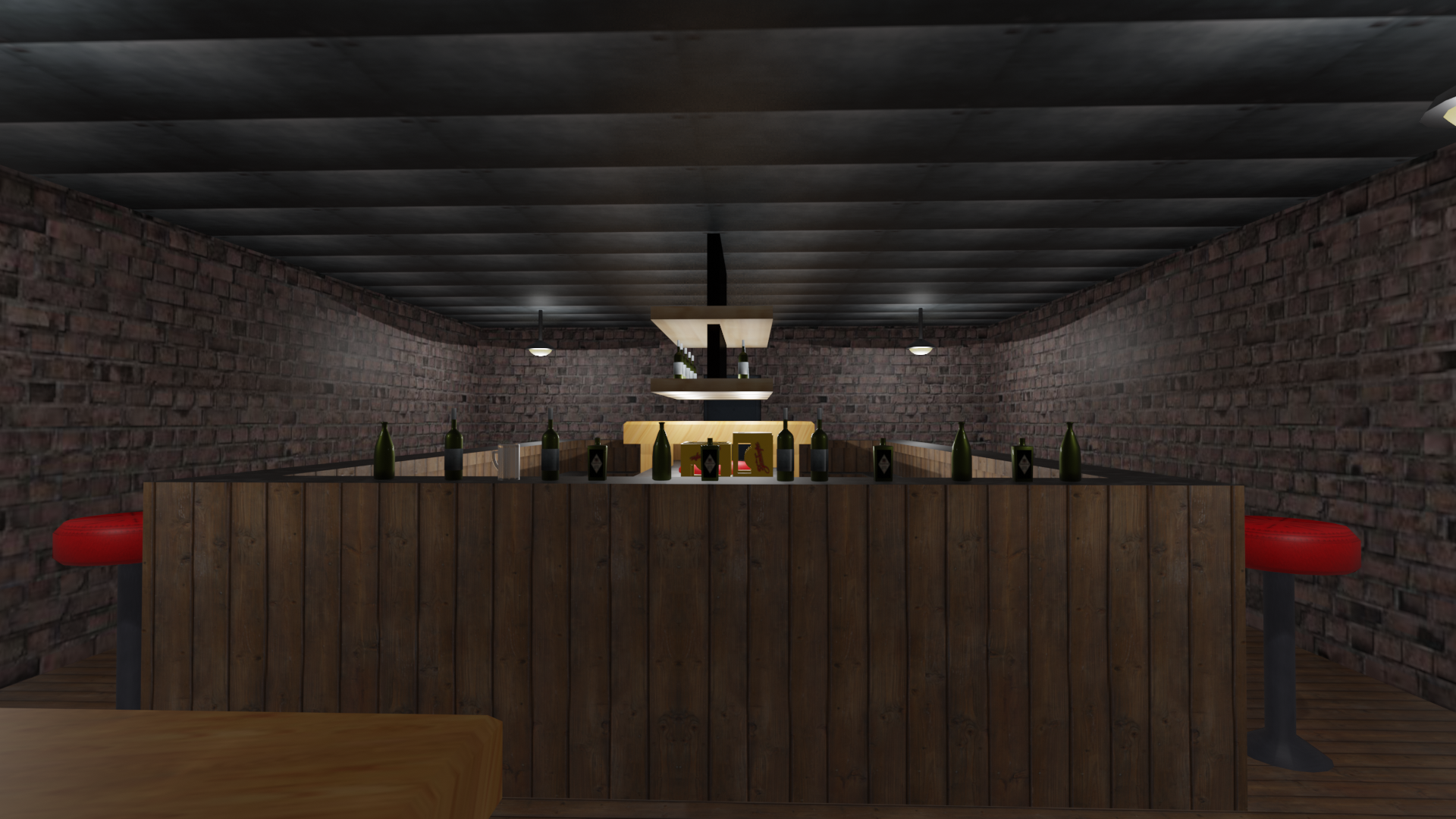
You wake up after a long night of heavy drinking and realize you've been locked into the bar. The door isn't locked, but ends up being a bigger obstacle than it was supposed to.
The character controls can be found on the wall right next to where you start. Supported input devices are keyboards, mouses and XBox controllers. Other controllers might work, but may mix up the buttons.
Some abilities are only available once your character reaches a specific form. Find and drink beer to level up and consume shots and longdrinks to keep yourself from sobering.
Hardware requirements:
Requires DirectX 9.0c with Shader Model 3.0 and .NetFramework 4.5.2.
We have developed this game on AMD cards and mainly rely on their feature set. As some drivers do not fully support every feature that DirectX 9 provides, other cards may have problems rendering the game. We have experienced these kinds of problems mainly on NVidia cards. So if you encounter a rendering problem, please do not just spam about the game being shit and not working, but give us some information about what is happening, what card you're using and error messages if you get any.

Troubleshooting:
In case you have performance or physics issues, you can alter the settings.confix file in your notepad:
Performance
- Reduce the "numAdditionalPhysicsFrames" setting down to 0 to reduce CPU usage.
- Reduce the resolutions for the solid or transparent world.
- The transparent resolution should always be smaller or equal to the solid resolution.
- Altering the transparent resolution has a far higher impact on performance than the solid one.
- Reduce the number correctly sorted transparency layers.
Physics:
- In case you want the physics run smoother and can spare some fps, you can set the "numAdditionalPhysicsFrame" setting to a higher value. If zero, physics will be updated once per frame with a whole frame time step. Updating it more often per frame (with lower timesteps), will make the physics more accurate, but of course better physics simulation is time consuming and will result in lower fps...
The included settings file is aimed for lower middle class builds.
Have some screenshots:
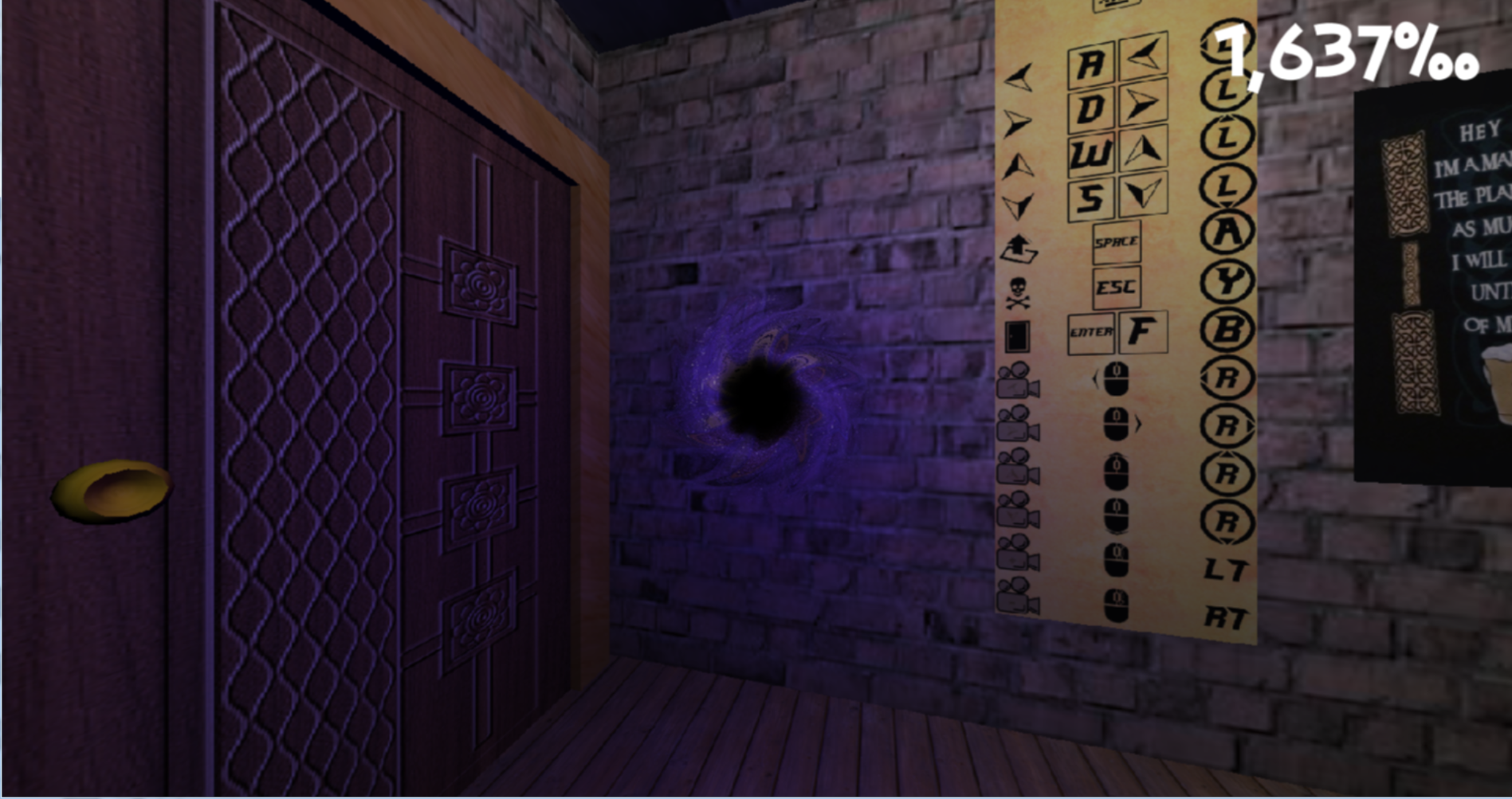 The tutorial corner.
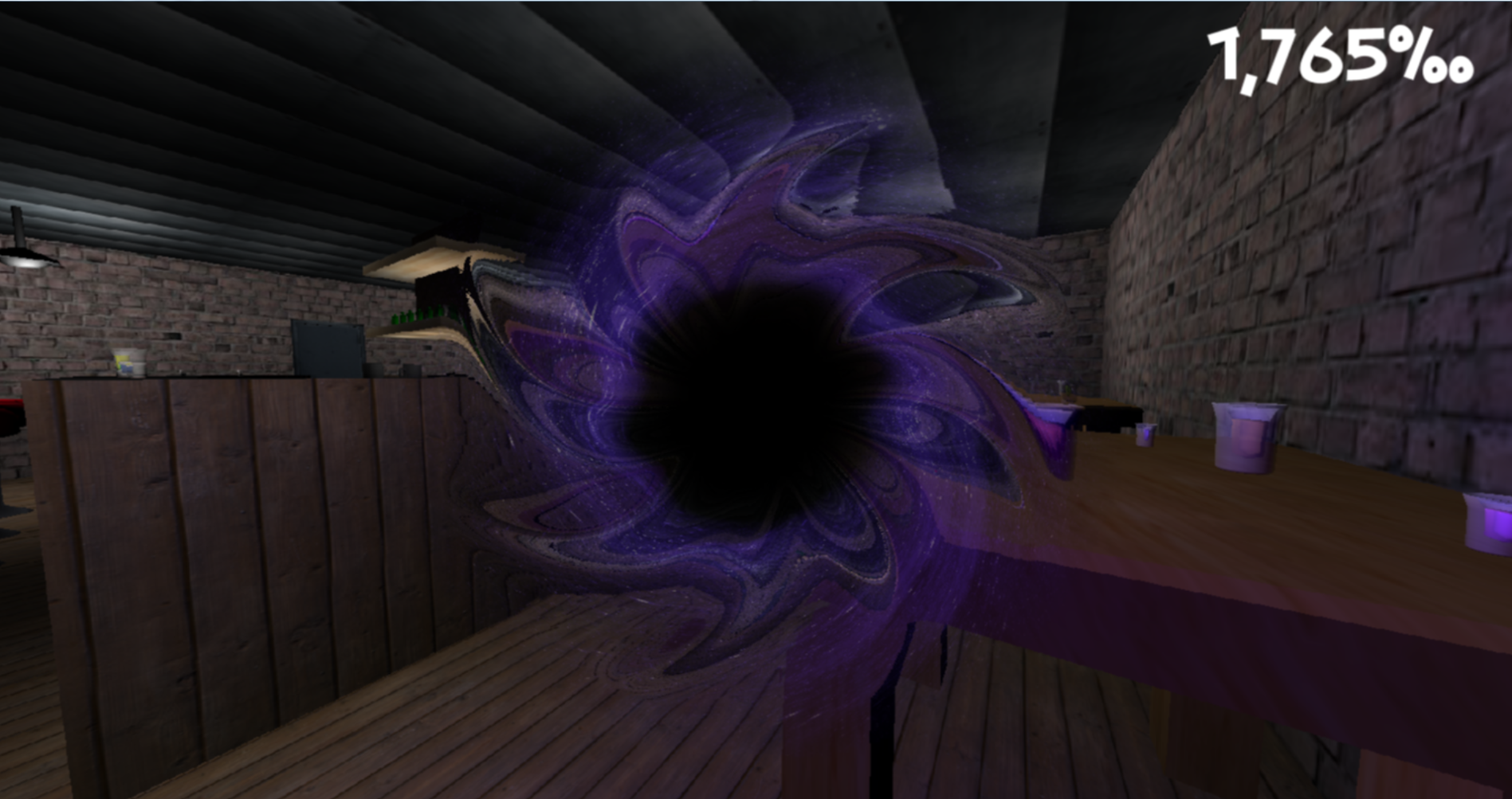 Your soul.
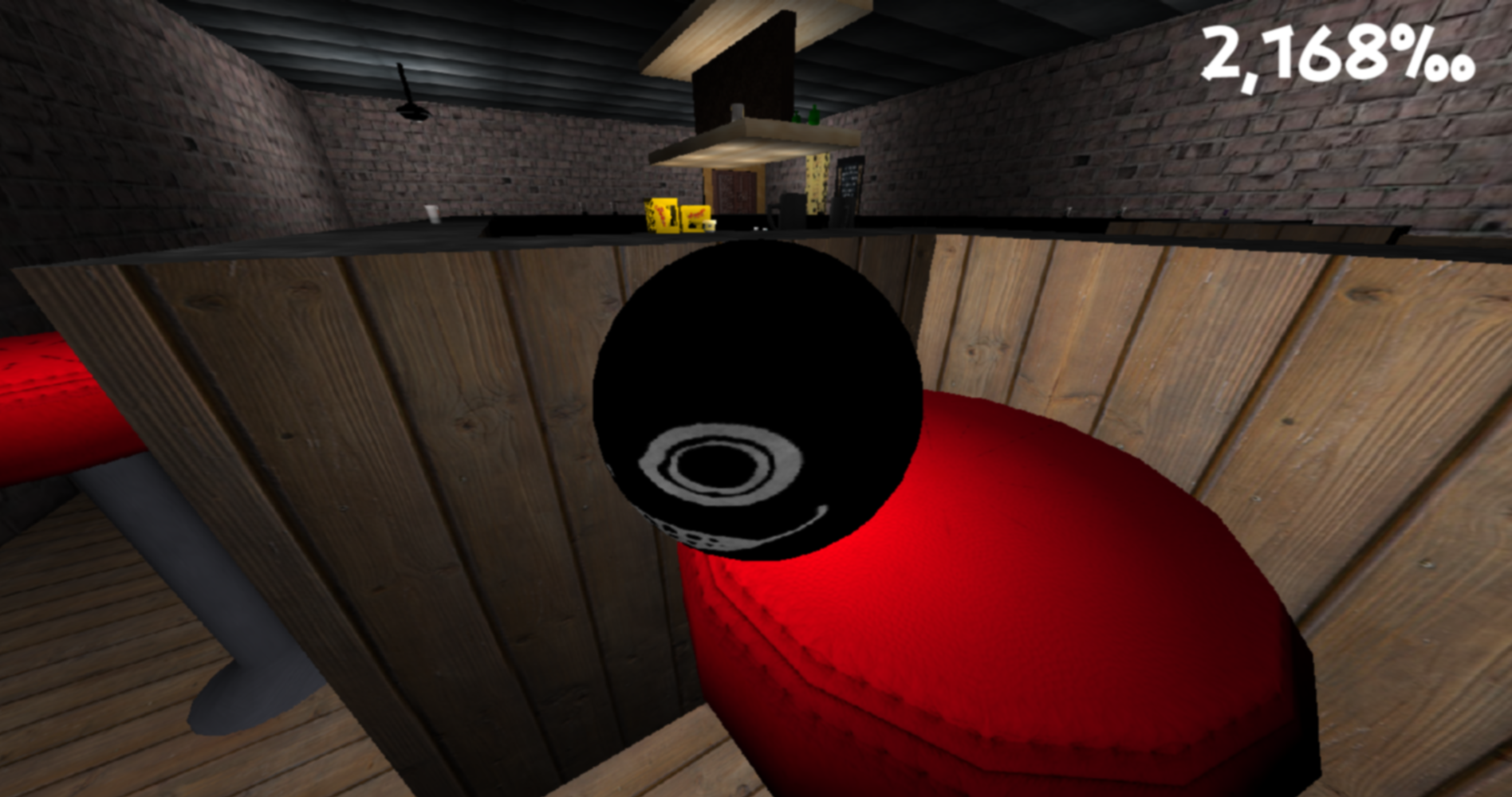 Your head.
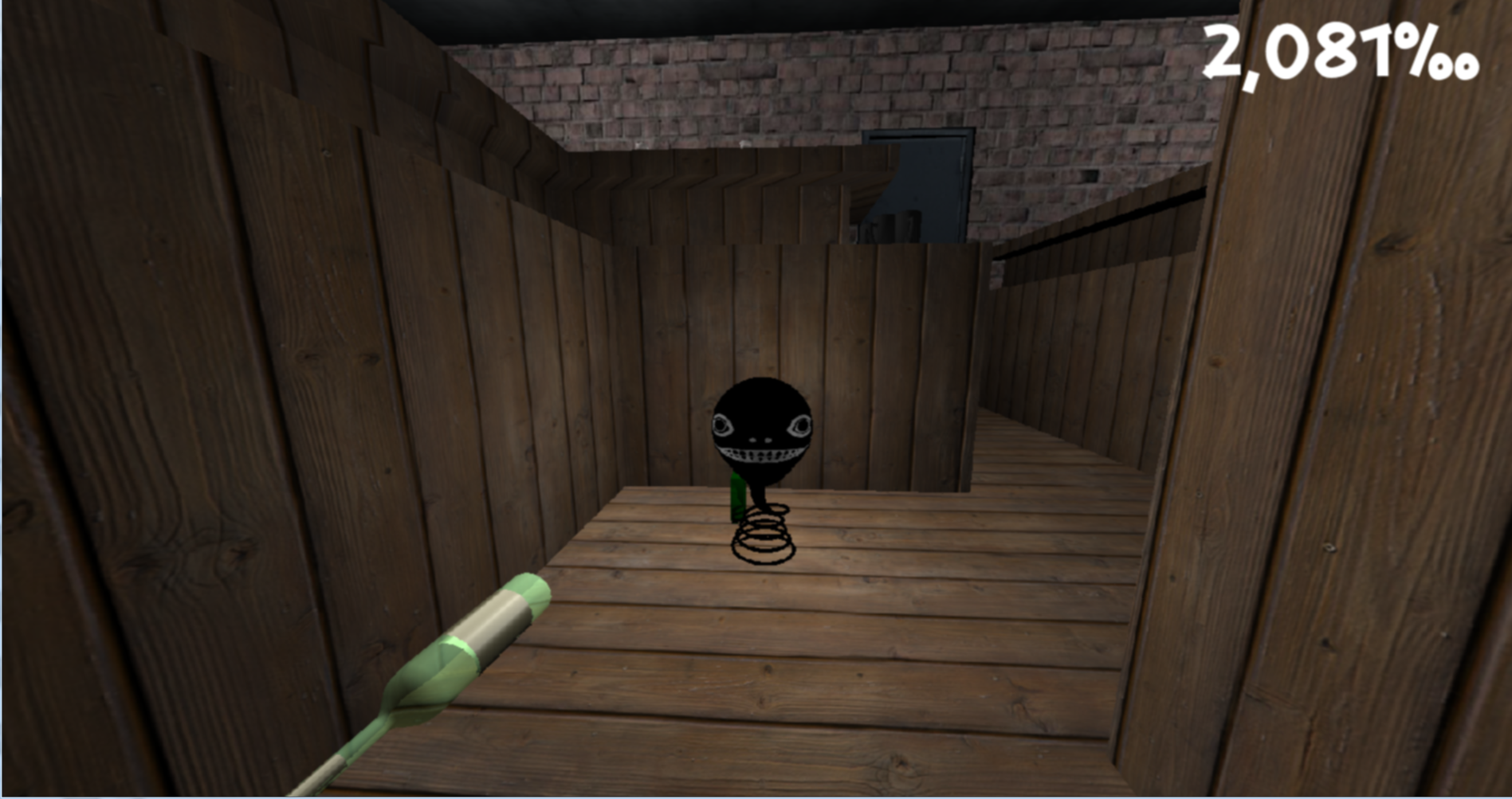 Another you.
We used C# and our own framework (based on DirectX9) to do this.
Other tools: - Gimp 2.8.14 - Blender 2.6.9 and 2.8
If you encounter any bugs or similar insects feel free to contact us!
| Link | https://www.dropbox.com/s/vodda2350h3lbzu/LD45%20-%20Journey%20of%20a%20Drunkard.zip?dl=0 |
| Original URL | https://ldjam.com/events/ludum-dare/45/journey-of-a-drunkard |
Ratings
| Given | 0🗳️ | 0🗨️ |
Other times it says no GPU.
Another time it gave me this https://pastebin.com/WXTsv0WK
Im using Windows 10 with i7-4770k cpu and a 2070
(1) "Sometimes it just starts loading and then goes black."
This is something we experience quite often, when this application runs on NVidia cards. We use features of DirectX9, that NVidia does not fully support in all of their drivers. On most NVidia cards we tested this on, there is some kind of graphics error. This reaches from a completely black screen to just broken transparency. On every AMD card we tested on everything works just fine.
(2) "Other times it says no GPU"
Yep, just try to start it again. Sometimes the d3d device initialization times out and the next time you start it it just works fine. We know about this issue, but did not find a way to fix this yet. Sorry.
(3) "Another time it gave me this https://pastebin.com/WXTsv0WK"
I assume you got this one after trying to execute it multiple times. It means another instance of the program is still running. End all instances of this program and run it only once at a time.
(4) "Im using Windows 10 with i7-4770k cpu and a 2070"
As said in (1) NVidia does not fully support all features of DirectX9. In our case it's most likely the problem that they do not support multiple depth buffers which are crucial for our transparency rendering technique. In our last LudumDare ([LD44][lnkLD44]) we used OpenGL instead, but experienced quite similar problems.
But hey, at least now we can add the "GeForce RTX 2070" to the list of not working cards...
[lnkLD44]: https://ldjam.com/events/ludum-dare/44/boredom-be-gone
1) First time I tried to run it, it started, I left-clicked on the screen and got this error: https://pastebin.com/SiBFuKzY. And it just gives me the same exception error practically every time I try to run it.
2) Sometimes it's different. It just goes to black screen after starting and only "appears" when I click on the "full screen" icon. But after that it again goes to point 1).
3) I tried to lower resolution as you suggested (keeping the 16:9 aspect ratio and transparent smaller than solid) and that made it just completely crash from the start.
4) I reduced the number of correctly sorted transparency layers, but that changed nothing.
I'm on Windows 10, cpu i5-6600 and nvidia geforce gtx 970. So you can add GeForce GTX 970 to the list of not working cards as well ;)
@fabula-rasa:
1,3,4) Yep, hello NVidia. Sorry about that. I know that a lot of people use NVidia cards, but developing for their cards without directly cooperating with them is... not fun. You need a lot of messy work arounds to make normal DirectX9 features (like instancing for example) work on NVidia cards. They optimize the sh*t out of their cards but seemingly neglect the basic features DirectX9 promises.
2) We did not implement resizing the window, as we ran out of time. But thank you for pointing this out, we should have completely disabled the windows resizing feature.
@tubadude99:
Let me guess, you did not use an actual graphics card, but an Intel onboard chip? I have experienced this one on an older laptop with an intel chip in it. Those chips are not directly aimed at gaming, so they do not support some features at all. But unlike NVidia they exactly tell you what's wrong :) We use a rendering technique called instancing to increase performance for our light rendering. Intel chips do not not necessarily support this feature. Some do tho, so as soon as we find out how to figure out if the current chip supports this we can render our lights normally if necessary. Can you tell me which chip exactly you are using? Could help a lot as this is a thing we can actually do something about!