Use the Shovel by Ilari
Use the Shovel
No AI was used.
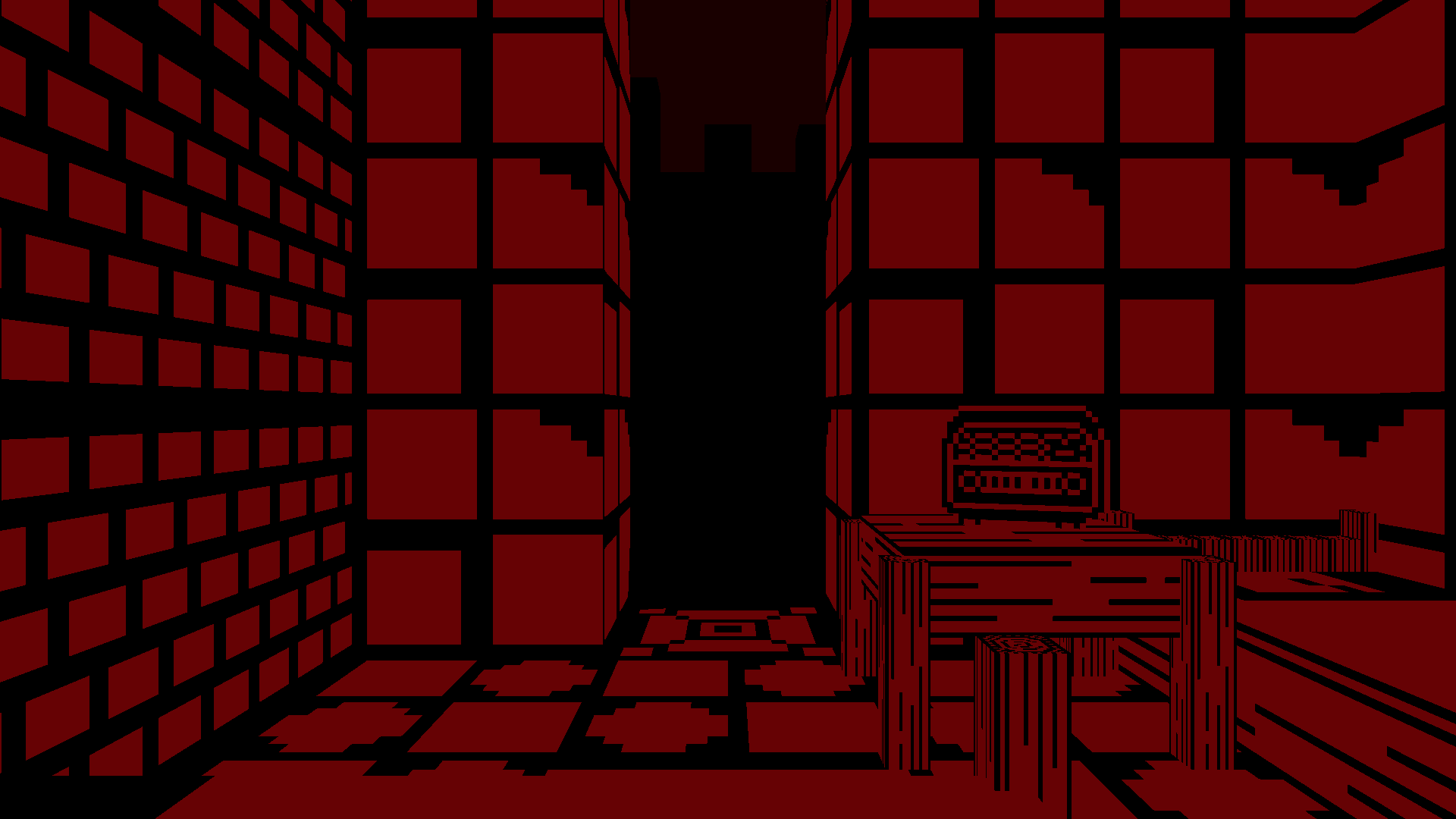
This is my Ludum Dare 60 Compo entry, "Use the Shovel".
The theme was "Old Tech".
I had grandiose plans (as always) but, alas, I had to leave most out. I wanted to make something bizarre, moody, and intriguing, with a short story. Some of the vision I was able to realize, albeit only in small form. There is potential, I think.
Aside from one or two things, the theme's not there (as of first RC). I may try to use the remaining couple of hours to add the main planned thematic component in, but not yet sure. For now, I'll just release the current version and opt-out from "theme" category.
I wish I had time to add some sound effects and perhaps even ambient music. Those would certainly add a lot to the mood. No time for that now.
I used quite a lot of the precious little time I had on custom level editor, in hopes that I'd be able to create bespoke maps for the game. I didn't utilize the editor enough to justify the time it took (the first LD I attended I also created an editor, and that time it proved very useful). Oh well, perhaps later I'll continue with the game and expand ideas I had and then the editor should be valuable.
I used some of my existing prototyping framework for this entry. It doesn't use keyboard scancodes for the input, which may be bad for some keyboard layouts. If you have trouble with keys bindings, sorry for that!
I might make another release that uses scancodes. Also, mouse sensitivity is not currently adjustable, might add that too (command line argument?). And controller support would be great...
Keys
- Move: WASD / Arrows
- Look: Mouse
- Interact: E / Space
- Quit: Escape (first press ungrabs mouse (left click regrabs), second Esc press quits)
Command Line Arguments (Win binaries only)
The game supports some command line arguments, all optional:
game.exe width=<int> height=<int> maximized=<0|1> fullscreen=<0|1> display=<int>
fullscreen: whether to start in fullscreen or windowed mode (1 = fullscreen, 0 = windowed)display: on which display to run the game in (0 = first window reported by SDL, 1 = the second, and so on)
These work when fullscreen = 0:
* width window width (when fullscreen=0)
* height window height (when fullscreen=0)
* maximized whether to start the window maximized or not
Example:
By default, the game starts in fullscreen mode. If that's no good for some reason, you can launch the game like so:
game.exe fullscreen=0
Credits
Game code, art, font by me.
Used third-party tech: * SDL3 * OpenGL 2.1 * stb_image.h * MinGW (for Windows binaries) * Emscripten (for web version)
Changelog
Version 1.0.0 * Initial release
| Link | https://ilari.itch.io/use-the-shovel |
| Link | https://ilari.itch.io/use-the-shovel |
| Link | https://ilari.itch.io/use-the-shovel |
| Original URL | https://ldjam.com/events/ludum-dare/60/use-the-shovel |
Ratings
| Given | 1🗳️ | 0🗨️ |